Security · 31 Oct 2026
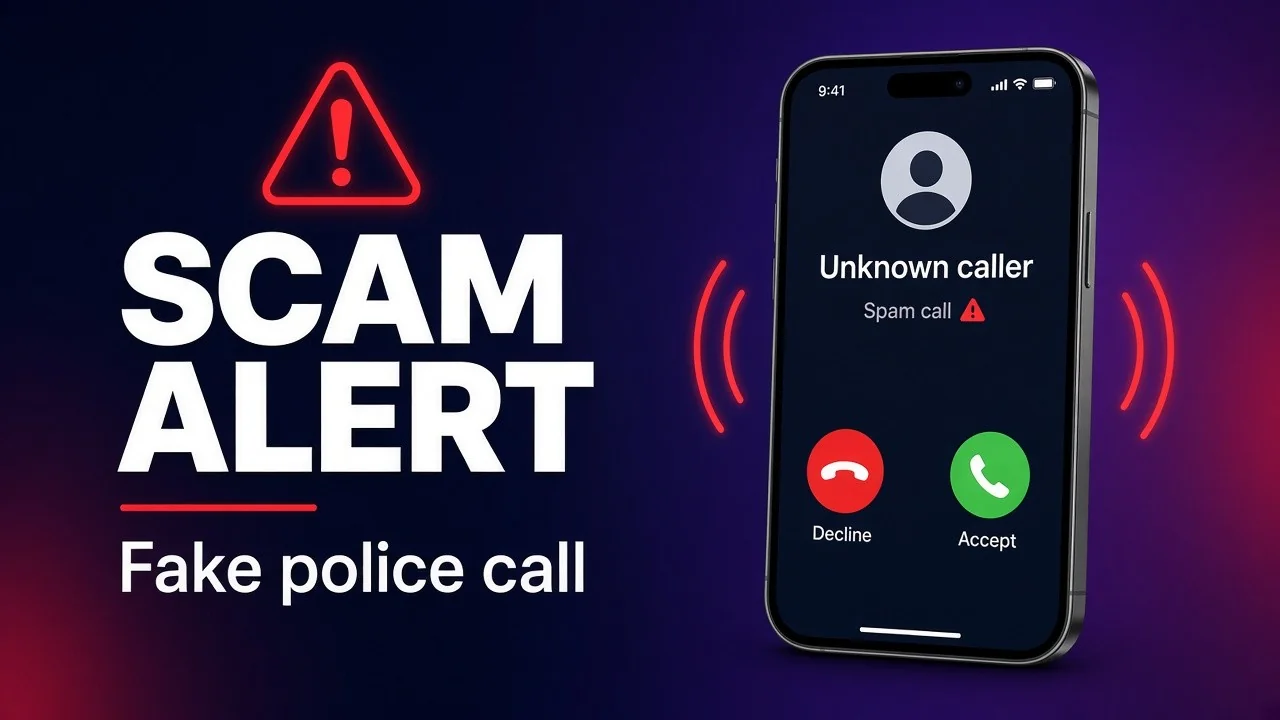
SCAM ALERT: Fake Victoria Police Call Asking for Details
31 October 2026
Worried your accounts are exposed? I'll help you lock them down.
TL;DR
- A man claiming to be a Victoria Police constable rang me wanting "a few verification details" to "secure my accounts".
- When I asked for a number to call him back, he said no, then told me to f*** off and hung up.
- Real police don't ask for passwords, codes or bank details over the phone. Hang up, then call Victoria Police yourself on 131 444 (or 000 in an emergency).
- Already shared something? Call your bank, then IDCARE on 1800 595 160, and report it to Scamwatch.
What happened?
Last night I got a call from a man claiming to be a constable from Victoria Police.
He told me someone had been arrested, and that multiple devices in that person's possession had my details on them, so my details may be compromised. I wasn't to be alarmed, he said. But if I could give him a few verification details, they could secure my accounts and make sure everything was safe.
I said okay, could I have a number to call you back on?
No, he said. But if I gave him my email, one of the detectives would send me an email with the details for me to respond to.
I said no, I'd rather have a number so I could call back, because I was in the middle of something.
His reply: "Well f*** off then." And he hung up.
Funny in hindsight. But you can see how people get scammed so easily. He sounded official, he had a story, and he was offering to help.
What were the red flags?
- A scary story, then urgency. "Your details may be compromised" is built to rush you. Scamwatch says scammers "create a sense of urgency to pressure you into acting quickly" (Scamwatch – Stop. Check. Protect.).
- "Just a few verification details." Scamwatch warns that scammers "will offer to help you or ask you to verify who you are" and "pretend to be from organisations you know and trust like … the police" (Scamwatch – scams information).
- No callback number. A real officer can tell you their station and let you call through the official line. Queensland Police's advice: if a caller avoids answering or refuses to provide information, hang up (Queensland Police).
- "Give me your email instead." That moves you onto their turf, where a fake "detective" email with a link can harvest your logins. Scamwatch says scammers try to get your information "by … sending a link in a text message or email" (Scamwatch – Phishing scams).
- The caller ID means nothing. Scammers can make a call look like it's from a real government or police number ("spoofing") (Scamwatch – NASC impersonation alert).
Will real police ever ask for my passwords or bank details?
No. The Australian Cyber Security Centre says the AFP and legitimate law enforcement officials will never ask for your personal information "such as your passwords, bank details or answers to your security questions", and won't "threaten you or pressure you to stay on the line" (cyber.gov.au – police impersonation alert).
Victoria Police's own advice: "Do not give out personal information on incoming calls. Instead, call … back using a publicly available number" (Victoria Police – fraud and scams).
And never read out a one-time code from a text. Scamwatch: never share "passwords or one-time codes with anyone who contacts you unexpectedly" (Scamwatch – Phishing scams).
What should I do if I get a call like this?
- Hang up. Scamwatch: "Say no, hang up, or delete" (Scamwatch).
- Call Victoria Police yourself on the Police Assistance Line 131 444 (24 hours), or 000 if you're in danger or a crime is happening now (Victoria Police – Contact us).
- Never use a number or link the caller gives you. Use contact details you find yourself on the official website (Scamwatch).
- Don't give your email, date of birth or "just confirm" anything. Not even to "check it's you".
What if I've already given them my details?
Don't be embarrassed. Scamwatch is blunt: "there's no shame in getting scammed. It can happen to any of us" (Scamwatch – What to do if you've been scammed). Then act fast:
- Call your bank or card provider now and ask them to stop any transactions (Scamwatch).
- Call IDCARE on 1800 595 160. It's Australia's free national identity and cyber support service and will help you make a plan to limit the damage (IDCARE).
- Change your passwords, starting with email and banking. Use a long passphrase (four or more random words, at least 15 characters) and don't reuse it (cyber.gov.au – Easy steps).
- Turn on multi-factor authentication (2FA/MFA) on email, banking, social media and myGov. An authenticator app or passkey is stronger than SMS codes (cyber.gov.au – Set up MFA).
- Report it to police through ReportCyber at cyber.gov.au, or call 1300 CYBER1 (1300 292 371) (cyber.gov.au – Report).
- Watch for follow-up scams, especially anyone offering to "recover" your money (Scamwatch).
How do I report the call?
Even if you didn't lose a cent, report it at scamwatch.gov.au/report-a-scam. Your report helps them "stop scammers and warn others", and with your consent they can work to remove scam contact details (Scamwatch – Report a scam).
If you lost money or personal information, also report it through ReportCyber (vic.gov.au – Report cybercrime and online scams).
Want a hand locking things down?
This stuff is exactly why I bang on about 2FA. At iWizz I help small businesses around St Kilda and Melbourne tighten up email, logins, passwords and two-factor across the team, so one dodgy phone call doesn't turn into a bad week.
And share this with your mum, your dad, your staff. The scammer only needs one person to say yes.
Sources: Scamwatch – Stop. Check. Protect.; Scamwatch – Scams information in English; Scamwatch – Phishing scams; Scamwatch – NASC impersonation alert; Scamwatch – What to do if you've been scammed; Scamwatch – Report a scam; Victoria Police – Contact us; Victoria Police – Fraud and scams; cyber.gov.au – Scammers impersonating police; cyber.gov.au – Easy steps to secure yourself online; cyber.gov.au – Set up multi-factor authentication; cyber.gov.au – Submit a report (ReportCyber); IDCARE; vic.gov.au – Report cybercrime and online scams; Queensland Police – Caller ID spoofing warning.