Shopify migration · Australian retailers
Magento and Neto to Shopify migration for Australian SMEs
24 September 2026
The decision to migrate an online store is never light. Australian fashion, furniture, parts, and retail operators running on Magento (or Adobe Commerce) and Neto (Maropost Commerce Cloud) increasingly move to Shopify — not because the old platform broke, but because the cost to keep it running outweighs the value it delivers.
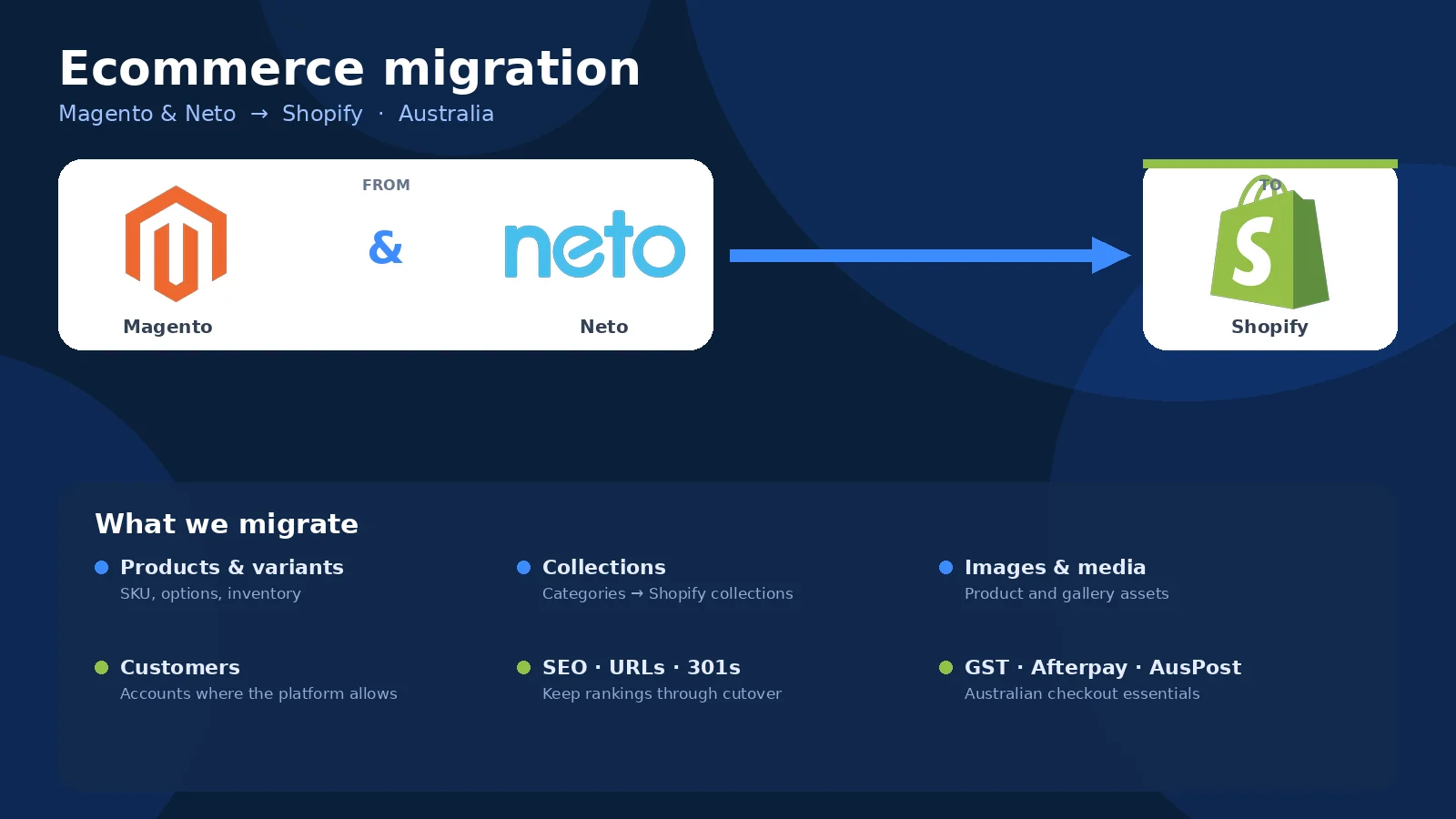
iWizz is a Shopify Partner in Prahran that helps Australian SMEs move from Magento and Neto to Shopify. We migrate catalogue, customers, order history where possible, 301 redirects, and wire up GST, Afterpay, and Australia Post. This is not a theme demo — it is the practical migration work we do when a store needs to trade on Monday with the search rankings intact.
Why teams leave Magento for Shopify
Magento (now Adobe Commerce) was built for complex, high-volume catalogues with deep customisation. That power comes with hosting, patching, module conflicts, and either an in-house dev or a retainer you pay whether you use them or not.
Common reasons Australian stores move:
- Hosting and maintenance costs — cloud hosting, CDN, patches, security updates, and the developer who fixes it when a module breaks after an upgrade.
- Theme and extension complexity — customisations built on older Magento 1.x or 2.x that are now technical debt, not features.
- Slow admin experience — catalogue updates, inventory changes, and order management that feel slower than the old system deserves.
- End of support or sunset versions — Magento 1 EOL drove many moves; Magento 2 shops face the same calculation as costs compound.
- Team burnout — when the ecommerce manager is scared to update a product because something else might break.
Magento still fits large operations with ERP integration and multi-warehouse logic. For a 500–5,000 SKU Australian fashion or furniture store, Shopify delivers faster pages, a simpler admin, and a development ecosystem that does not require a standing army.
Why Australian stores leave Neto for Shopify
Neto (Maropost Commerce Cloud) has been a common Australian ecommerce platform, especially for retailers with point-of-sale and inventory sync. It ticked boxes when alternatives were clunky or offshore.
Now operators move because:
- Platform direction and investment — Neto became Maropost Commerce Cloud; some customers report slower feature velocity and support response compared to earlier years.
- Theme and design constraints — customising a Neto theme often requires wrestling with older templating systems and limited out-of-the-box flexibility compared to Shopify's ecosystem.
- App and integration ecosystem — Shopify's app store covers email, SMS, upsells, subscriptions, reviews, and loyalty without custom dev; Neto's smaller ecosystem leaves gaps that require workarounds.
- Mobile experience and conversion — Shopify themes are built mobile-first by default; older Neto stores need more work to match modern mobile shopping expectations.
- Data portability and lock-in concerns — as platforms consolidate or shift focus, Australian businesses want confidence they can export and move if they need to.
Neto was and still is a working platform. The move to Shopify is about betting on where apps, themes, developers, and partner support will be in three years — not abandoning a broken system.
What actually migrates to Shopify
A Shopify migration from Magento or Neto covers:
- Products and variants — titles, descriptions, prices, images, SKUs, inventory. Variants need mapping; Magento configurable products and Neto parent/child items become Shopify variant options (size, colour, fitment).
- Collections and categories — Magento category trees and Neto groups translate to Shopify collections; you choose manual or automated rules.
- Customers — email, name, phone, addresses. Passwords cannot move (platforms hash differently), so customers reset on first login or use passwordless/Shop Pay.
- Order history — where the old platform allows export, we bring past orders for customer reference; some platforms limit historical order data access.
- 301 redirects — the most important part: old product and category URLs mapped to new Shopify URLs so Google keeps your rankings and customers' bookmarks still work.
- Images and assets — product photos, lifestyle shots, downloadable guides, size charts.
What does NOT migrate automatically:
- Custom checkout fields and complex tax rules — Shopify's checkout is structured; heavy customisations need Shopify Plus or a rethink.
- Bespoke integrations — ERP, warehouse, accounting, custom APIs need rebuilding or replacing with Shopify apps or middleware.
- Reviews — these usually export as CSV and import to Shopify review apps (Judge.me, Yotpo, etc.); check your current provider's export format.
- Blog and content — Magento and Neto blogs export and import, but the URLs and templates will change; redirects and re-theming required.
Magento-specific gotchas
- Configurable products and bundled items — Magento's configurable product model (parent with simple children) maps to Shopify variants, but bundled products need apps or manual rebuild.
- Custom attributes — Magento has unlimited custom attributes; Shopify uses metafields, which require mapping and sometimes app support to display on the storefront.
- Multi-website and store views — if you run multiple Magento store views (regional pricing, language), you need multiple Shopify stores or Shopify Markets (Plus feature).
- B2B and tiered pricing — Magento's native B2B features (customer groups, tiered pricing, quotes) need Shopify Plus and B2B apps or wholesale channels.
- URL structure — Magento URLs often have /category/subcategory/product.html; Shopify uses /products/product-handle and /collections/collection-handle. Redirects are mandatory.
Neto-specific gotchas
- Inventory and POS sync — if you rely on Neto's built-in point-of-sale and inventory sync, you need Shopify POS and a comparable sync strategy (sometimes an app or middleware).
- eBay and marketplace integrations — Neto has tight eBay and marketplace connections; Shopify requires third-party apps like Codisto or Marketplacer.
- Payment gateway and surcharges — Neto supports payment surcharging natively for some gateways; Shopify's surcharge handling is more limited unless you use Shopify Payments or apps.
- Shipping rules and Australia Post — Neto has deep Australia Post integration; on Shopify you use Starshipit, Sendle, or similar apps for comparable live rates and label printing.
- Content and page builder — Neto's content and landing pages export but lose their layout; Shopify themes and page builders (Shogun, PageFly, or Online Store 2.0 sections) require rebuilding the structure.
Protecting SEO during the move
The number one fear: losing Google rankings and organic traffic. Avoidable if you plan the URL map.
Our SEO migration checklist:
- Audit current URLs — which product, category, and content pages actually rank and drive traffic? Use Google Search Console and Analytics.
- Map old URLs to new Shopify URLs — every old product and collection URL gets a 301 redirect to its new Shopify equivalent.
- Preserve metadata — titles, meta descriptions, and structured data (schema) that are working stay the same unless they need improvement.
- Set up 301 redirects in Shopify — bulk import via CSV or app; test redirects before DNS cutover.
- Submit new sitemap — after go-live, submit Shopify's sitemap.xml to Google Search Console so Google recrawls the new structure.
- Monitor rankings post-launch — expect minor fluctuations for 2–4 weeks; serious drops indicate missed redirects or metadata issues.
If your old platform has thousands of pages but only 50 actually rank, we focus the redirect effort on those 50 and a catch-all for the rest — practical over perfect.
GST, Afterpay, and Australian checkout essentials
Australian customers expect:
- GST-inclusive pricing — display prices with GST included, collect and remit correctly; Shopify handles this in your tax settings and Markets configuration.
- Afterpay and Zip — buy now, pay later at checkout; Shopify supports Afterpay (via Shop Pay Installments or the Afterpay app) and Zip natively.
- Australia Post shipping — live rates via apps like Starshipit, Sendle, or Australia Post's own integrations; built-in Shopify shipping profiles for flat or weight-based rates.
- Click and collect / pickup — Shopify's local pickup option, labelled with your store suburb (Prahran, St Kilda, etc.), not vague "store pickup".
- Stripe and PayPal — Shopify Payments (Stripe under the hood) is easiest; PayPal, Apple Pay, Google Pay, and Shop Pay all work out of the box.
These are not nice-to-haves — they are table stakes for Australian retail.
When NOT to cut over
Timing matters. Avoid these windows:
- Black Friday / Cyber Monday (BFCM) — November is for selling, not for migrating your payment gateway and hoping it works.
- End of Financial Year (EOFY) — June is peak for some retailers and peak stress for accounting; delay until July.
- Peak season for your vertical — if you sell swimwear, do not migrate in December; if you sell ski gear, do not migrate in June.
- During a major campaign or product launch — launch the product first, then migrate when the traffic calms.
- When your team is already underwater — migrations need attention; if your warehouse manager and marketing lead are already at capacity, wait.
The best migration window is the quietest month in your calendar, ideally with a week of buffer before the next big campaign.
What the migration actually looks like (iWizz process)
- Audit and scope — we review your Magento or Neto store: catalogue size, custom fields, apps, integrations, which URLs rank, and what the team actually uses every day.
- Data mapping — products, variants, collections, customers, and orders lined up for Shopify; custom attributes mapped to metafields where needed.
- Shopify store build — theme selection (or custom build), GST, payment gateways, shipping rules, apps (email, reviews, upsells), and checkout wiring.
- Migration and import — products, customers, and historical orders imported; images and assets uploaded; 301 redirects configured and tested.
- Testing and dry run — we test checkout, inventory, shipping calculations, payment gateways, and mobile experience on a staging domain before DNS cutover.
- Go live — DNS points to Shopify; we monitor checkout, traffic, and errors for the first 48 hours.
- Post-launch support — redirects that need tweaking, apps that misbehave, and the inevitable questions when the team logs in on Monday.
Tim quotes in writing, exclusive of GST. Shopify subscription fees stay in your Shopify account; we do not clip that ticket.
Why iWizz for Magento or Neto to Shopify
iWizz is a Shopify Partner. Studio in Prahran; clients Australia-wide. We have migrated stores from Magento, Neto, WooCommerce, BigCommerce, and custom carts — fashion, furniture, parts, retail, and the occasional weird one that makes us learn something new.
We do not outsource the migration to a data entry team overseas. Tim and the Prahran team plan the URL map, configure the redirects, test the checkout, and answer the phone when something looks wrong on Tuesday morning.
We are honest when a store should stay on Magento (if you have deep ERP integration and the budget to maintain it), or when Shopify is not the right fit (if you need bespoke B2B workflows that Shopify Plus still cannot match without heavy apps).
If your Magento or Neto store feels like a liability more than an asset, and you want to trade on Shopify without losing the Google rankings you spent years earning, talk to Tim.
Get a migration quote
Tell us which platform you are on, how many SKUs, whether you have ranking pages we need to protect, and when you want to cut over. We will quote in writing and say straight if the timing is terrible or the scope does not fit.
Email tim@iwizz.com.au · ABN 48 431 193 923 · Prahran studio, Australia-wide
Read more about Shopify migrations for Australian stores, or how we build Shopify stores that sell.